> For the complete documentation index, see [llms.txt](https://docs.fwallet.net/llms.txt). Markdown versions of documentation pages are available by appending `.md` to page URLs; this page is available as [Markdown](https://docs.fwallet.net/web-fruits-wallet/staking/staking-information.md).
# Staking Information
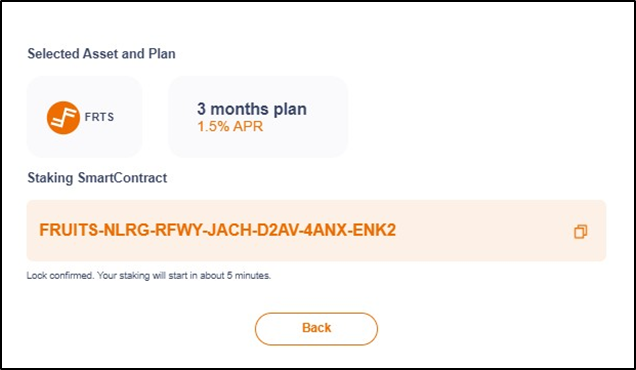
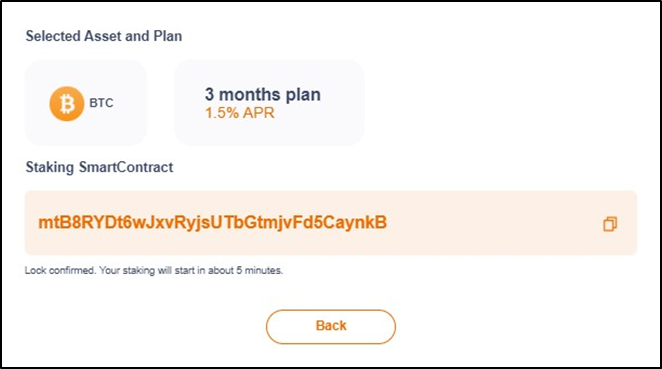
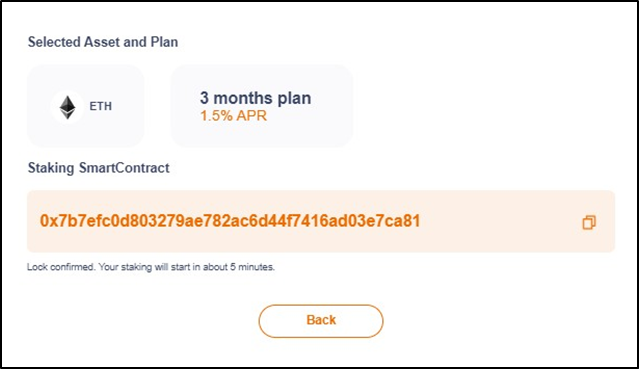
At this screen, users can review the staking information that they have successfully registered for Staking.
1. Displays the coin and reward the user has selected for staking.
2. The smart contract address that receives the staking amount from the user. Click  to copy the smart contract address to the clipboard.
3. Look confirmed. Your staking will start in about 5 minutes.
to copy the smart contract address to the clipboard.
3. Look confirmed. Your staking will start in about 5 minutes.